Dynamics 365 Business Central Reporting Series: Data Analysis Mode
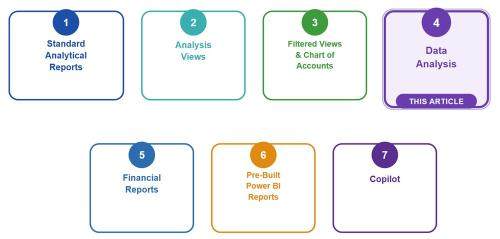
In this series, we have been exploring the reporting options available in Microsoft Dynamics 365 Business Central, starting with the foundational question: how do you choose the right tool? If you missed the earlier articles, you can catch up here:
- Intro Article – Choosing the Right Option
- Article 1 – Standard Analytical Reports
- Article 2 – Analysis Views
- Article 3 – Filtered Views
In this installment, we explore one of Business Central’s most practical and high value but underused reporting tools: Data Analysis Mode. It doesn’t require exporting data to Excel or building a separate report. Instead, it allows users to take the lists they already work with every day and quickly analyze, group, filter, and summarize information directly within Business Central. With capabilities such as pivot style analysis, fields from related tables, and Copilot assistance, Data Analysis Mode provides a flexible way to explore Business Central data and answer questions without leaving the system.
What is it?
Data Analysis Mode is a feature in Business Central that allows users to analyze information directly from list pages without exporting data to Excel ...
FREE Membership Required to View Full Content:
Joining MSDynamicsWorld.com gives you free, unlimited access to news, analysis, white papers, case studies, product brochures, and more. You can also receive periodic email newsletters with the latest relevant articles and content updates.
Learn more about us here