Business Central Operational Planning: Streamlining Forecasting, Purchasing, and Production
Operational planning in Microsoft Dynamics 365 Business Central often requires teams to move between several tools to understand demand, evaluate stocking levels, review purchasing needs, and assess production readiness. This disconnected workflow creates extra effort and makes it challenging to maintain a straightforward planning narrative across forecasting, replenishment, and manufacturing.
The Enhanced Planning Pack app from Insight Works provides a more unified experience. Rather than offering a single feature, the Enhanced Planning Pack delivers a suite of integrated apps designed to support each significant stage of operational planning.
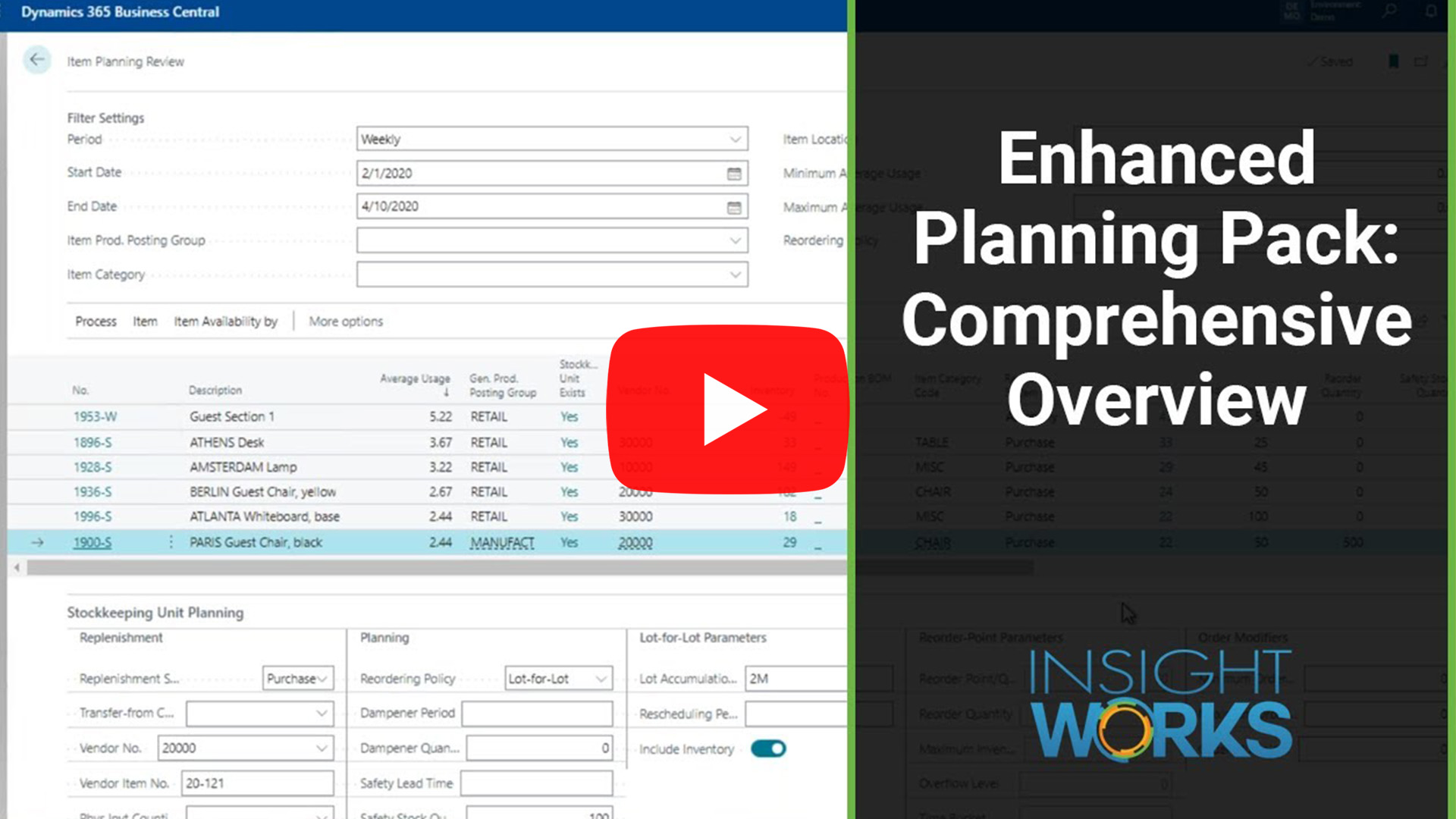
Why a Connected Planning Approach Matters
Forecasts, usage patterns, vendor considerations, BOM structures, and routing accuracy all contribute to reliable planning. When teams review these elements separately, they spend more time gathering information than acting on it. A connected set of tools allows teams to confirm assumptions, adjust parameters, and plan replenishment with greater clarity.
The Enhanced Planning Pack addresses this need by providing teams with a continuous workflow—from understanding demand to validating production capability.
How Standard Business Central Tools Fall Short in Daily Planning
Business Central includes forecasting, replenishment suggestions, and production information, but teams must interpret how each part affects the next. Forecasts rarely feed directly into parameter updates, item planning requires manual review, and production analysis is spread across multiple pages.
The Enhanced Planning Pack bridges these gaps by connecting these tasks in a more practical sequence.
How the Enhanced Planning Pack Supports the Full Planning Cycle
1. Establishing Demand Insight with the Enhanced Forecasting Worksheet
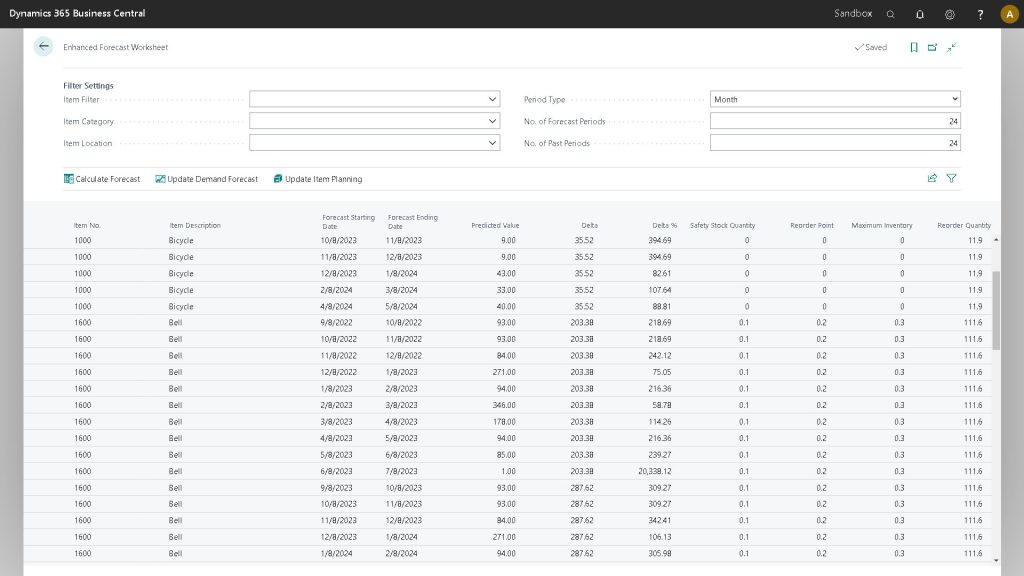
The Enhanced Forecasting Worksheet enables teams to generate forecasts using Microsoft’s Azure AI and immediately evaluate results. Teams can review forecast quantities, derive planning values, and publish the forecast to Business Central or apply calculated parameters directly to items or SKUs. This workflow provides a clear starting point for replenishment planning.
2. Aligning Stocking Rules Through Item Planning Review
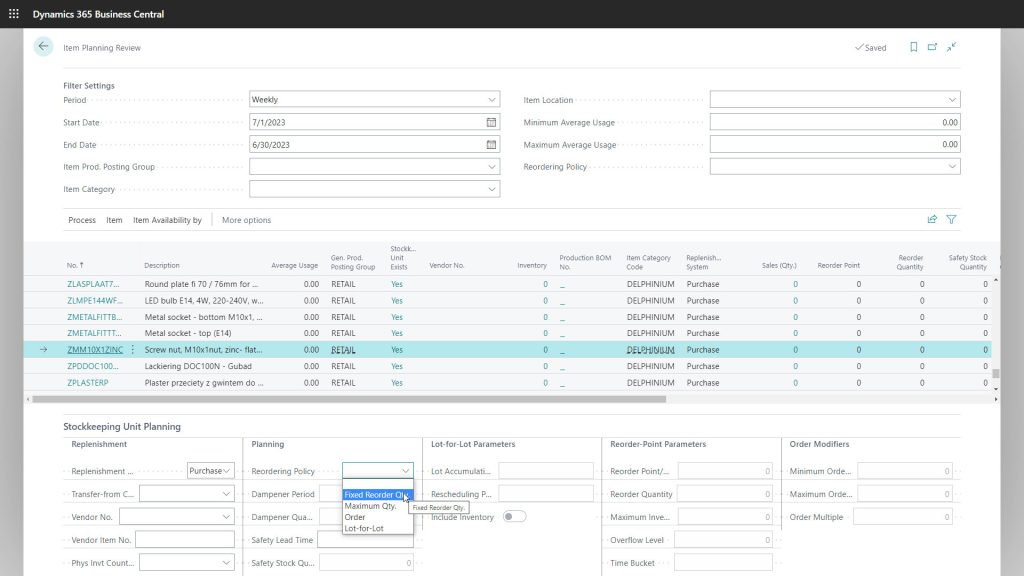
Teams use the Item Planning Review page to compare current stocking rules with historical consumption. This page consolidates usage data, expected demand for a chosen period, and the corresponding planning parameters. Teams adjust item or SKU values directly, which keeps reorder points and maximum inventory levels aligned with operational behavior.
3. Translating Demand into Action with the Enhanced Planning Worksheet
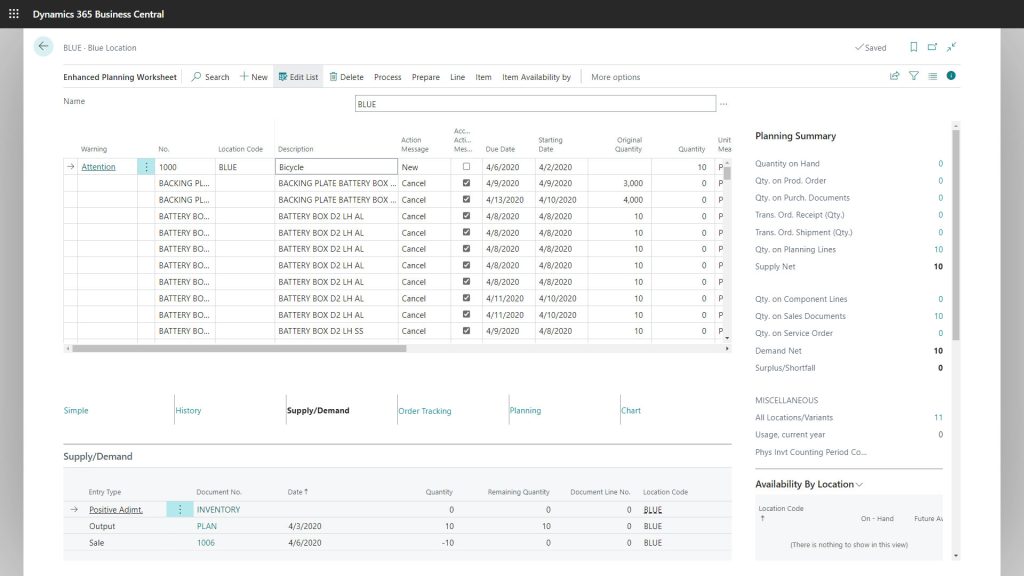
The Enhanced Planning Worksheet offers a focused workspace for analyzing supply, evaluating purchasing suggestions, and reviewing vendor-related considerations. Teams can run purchase plan calculations, study supply and demand for each SKU, and update planning parameters as needed. When ready, teams generate purchase orders through the worksheet’s built-in process, creating a smooth transition from planning to buying.
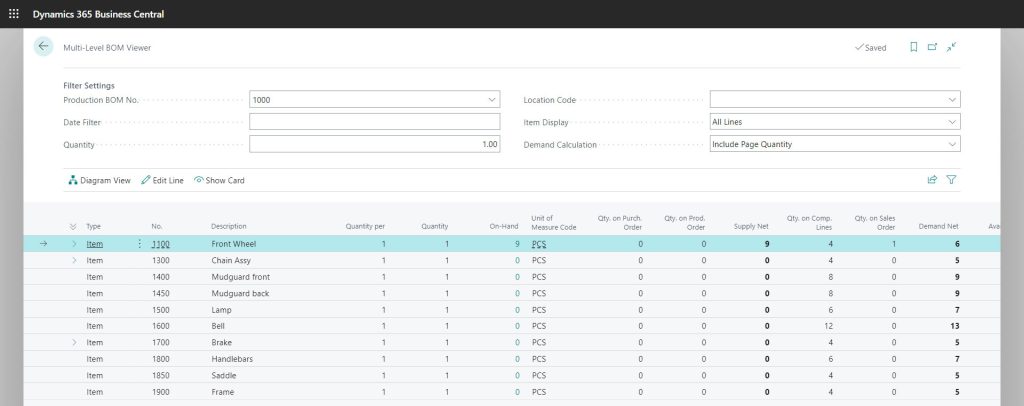
4. Verifying Production Readiness Through the Multi-Level BOM Viewer
The Multi-Level BOM Viewer provides a clear, hierarchical view of materials. Teams use this tool to identify shortages, verify component availability for a selected quantity, and adjust BOM details when needed. This capability helps teams validate whether production can proceed as planned before scheduling begins.
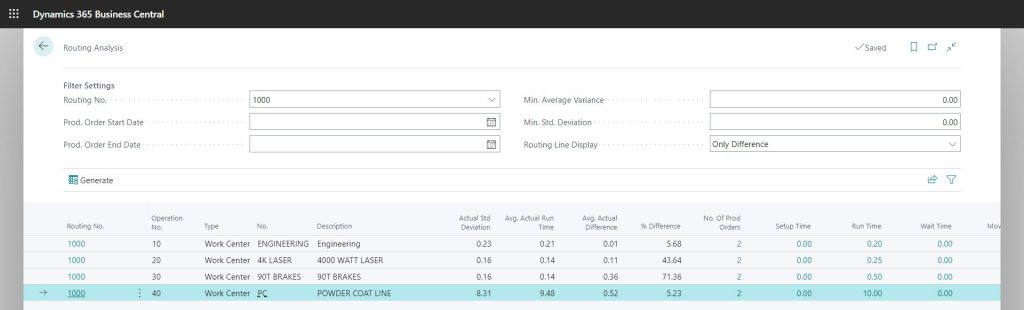
5. Strengthening Cost and Schedule Accuracy with Routing Analysis
Routing Analysis helps teams compare expected routing times with actual performance. Teams can identify operations with consistent variances, adjust routing values, and support more accurate costing and scheduling. This step strengthens the link between planning assumptions and the shop floor.
How the Pack Differs from Typical Business Central Add-Ons
While many Business Central add-ons address one part of the planning cycle, the Enhanced Planning Pack supports the entire workflow. It brings together forecasting, item planning, purchasing, BOM evaluation, and routing analysis into a single suite of applications, reducing the need for separate tools or manual interpretation.
Final Takeaway
Operational planning works best when teams can move smoothly from forecasting to replenishment and into production readiness. The Enhanced Planning Pack provides that structure. Its app suite enables teams to evaluate demand, adjust planning logic, plan purchases, confirm manufacturing requirements, and assess routing accuracy, all within Business Central.
To learn more about the Enhanced Planning Pack, contact your Microsoft Partner or visit PlanningForDynamics.com.