Import Data into Business Central with Free Import Export PowerTool
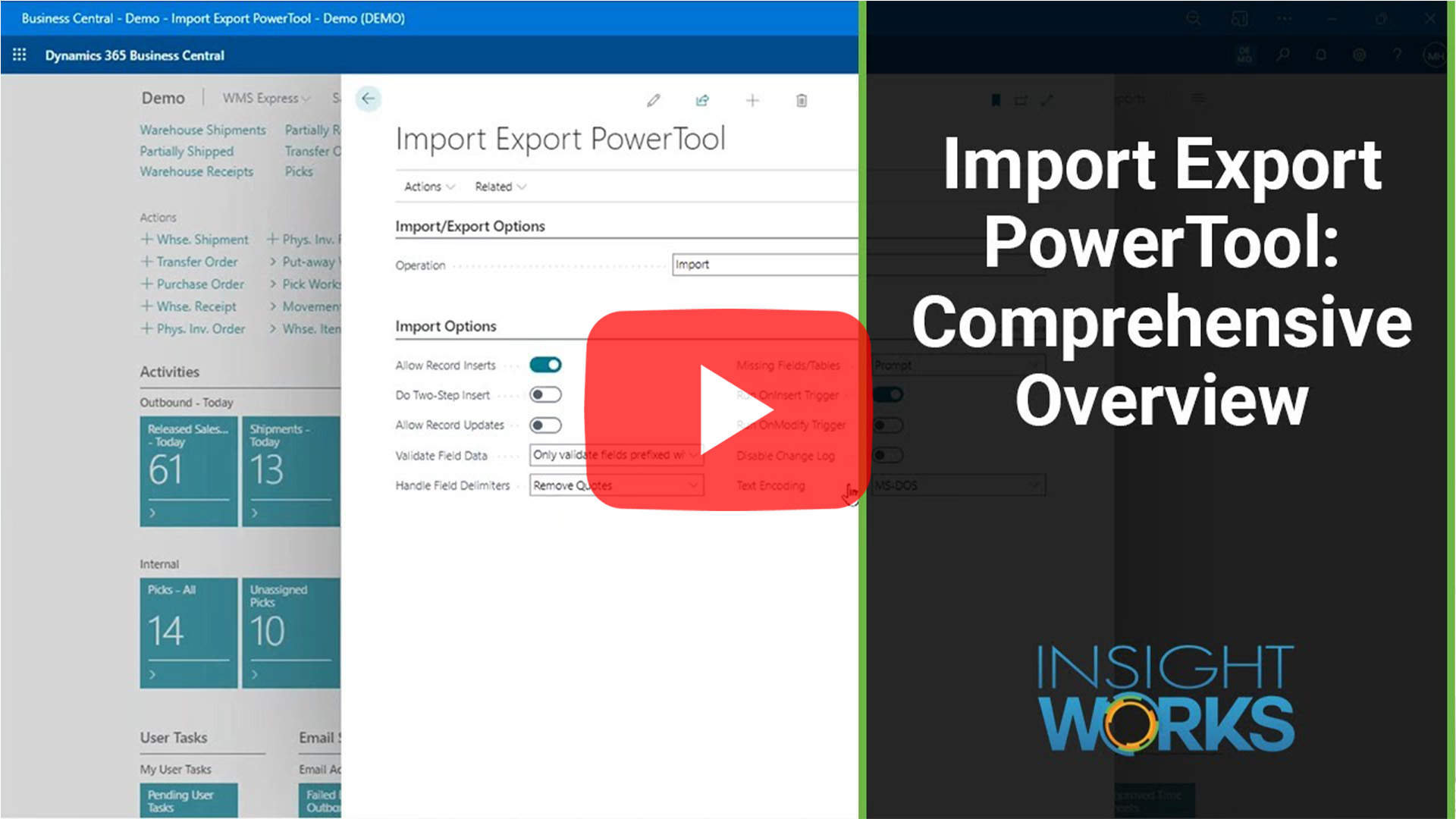
The Import Export PowerTool app from Insight Works streamlines your data migration process. This free app, designed for Microsoft Dynamics 365 Business Central, turbocharges your data migration and management tasks with lightning-fast imports and exports, updates, and deletes. If you’re looking to import data into Business Central, Import Export PowerTool is your solution.
What is Import Export PowerTool?
The Import Export PowerTool app sets itself apart by offering unparalleled speed and efficiency in data migration tasks. Unlike RapidStart, which can be slow and cumbersome, Import Export PowerTool enables you to quickly import, export, update, or delete data in any table within Business Central. This app handles extensive data tasks swiftly and accurately, giving you a significant advantage over traditional methods.
Why Use Import Export PowerTool?
Import Export PowerTool offers a range of features that make data migration into Business Central faster, more efficient, and more user-friendly.
- Exceptional Speed: You can import data up to 30+ times faster than traditional methods, saving valuable time.
- Efficient Data Export: The tool exports data hundreds of times faster than conventional tools.
- User-Friendly: The simple and intuitive interface makes the tool easy for anyone to use.
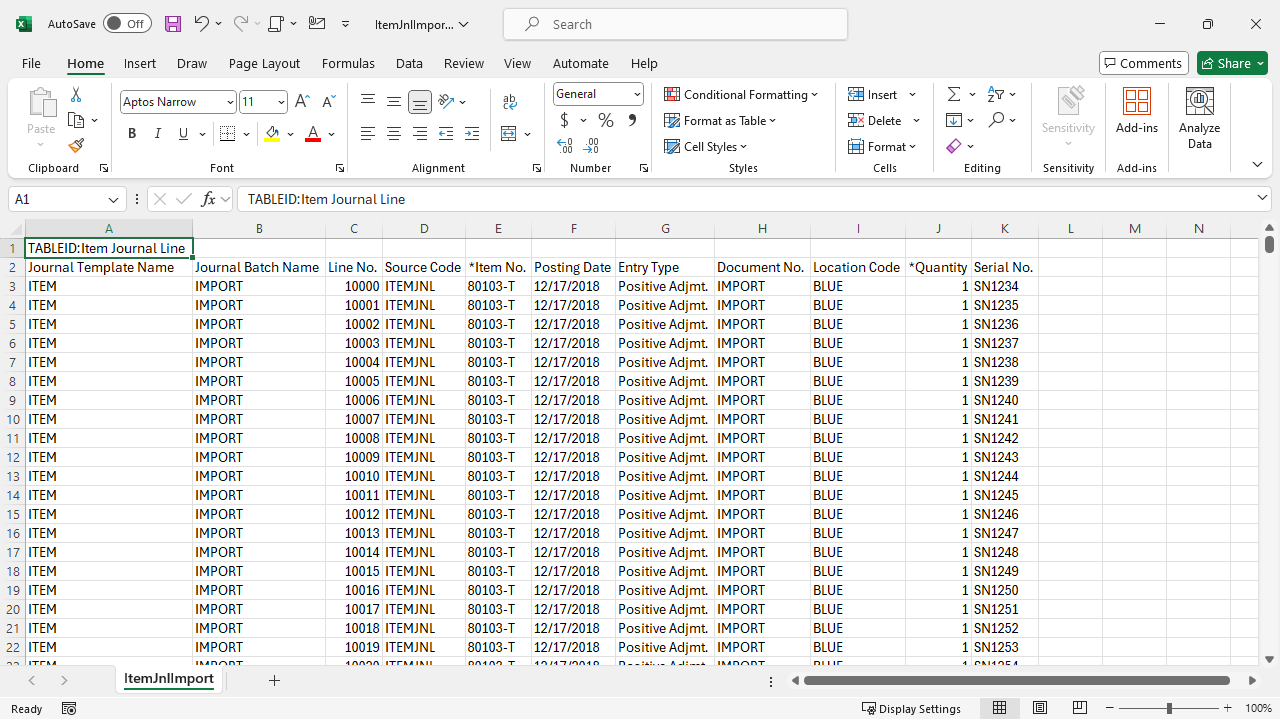
- Automatic Entries: Automatically insert lot numbers and serial numbers during item journal imports, making the tool perfect for initial inventory loads.
- Excel Independence: No need for Excel; generate and import text files seamlessly.
- Data Validation: Ensure the integrity of your data with robust validation checks.
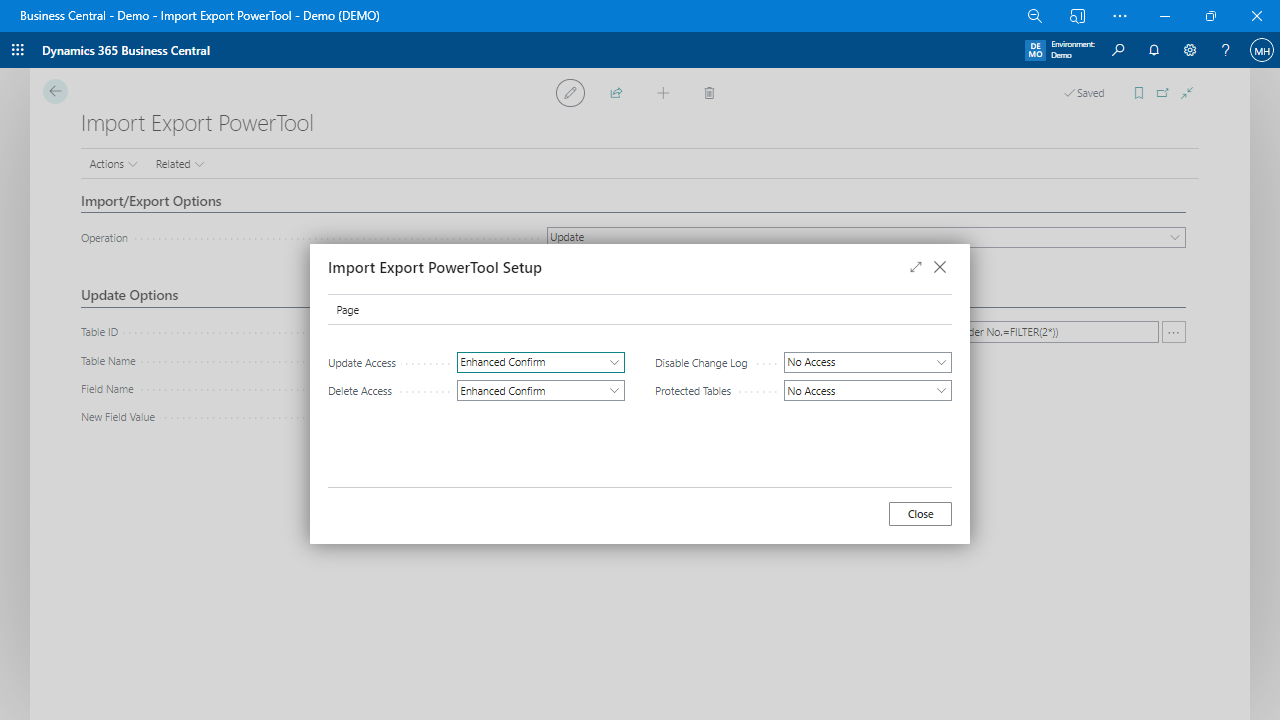
- Flexible Configuration: Disable the Change Log during imports to save time and reduce system clutter.
Advantages of Import Export PowerTool
Import Export PowerTool provides a robust set of features that significantly enhance data migration and offer various advantages to users. Here’s what sets this app apart:
- Rapid Data Manipulation: Quickly handle data imports, exports, updates, and deletions across all tables.
- Speedy Import and Export: Experience data transfer speeds outpace traditional tools significantly.
- Automated Processes: Automatically create lot and serial numbers during imports, streamlining inventory management.
- Validation Checks: Perform table and field validation to ensure data integrity.
- Batch Configurations: Create and store configurations as batches for repeatable tasks.
- Time Efficiency: Complete extensive data migration tasks in a fraction of the time.
- Error Reduction: Minimize errors with automated processes and robust data validation.
- Enhanced Flexibility: Handle both high and low-volume data migration tasks with ease.
- Broad Accessibility: No need for specialized Excel skills, making it accessible to many users.
- Improved Data Management: Easily manage data with features like record links and note creation.
Begin Your Journey with Import Export PowerTool
Getting started with the Import Export PowerTool app is straightforward. Download the app from AppSource or the Business Central Extension Marketplace today to start using the Import Export PowerTool. For more information, visit ImportExportForDynamics.com.