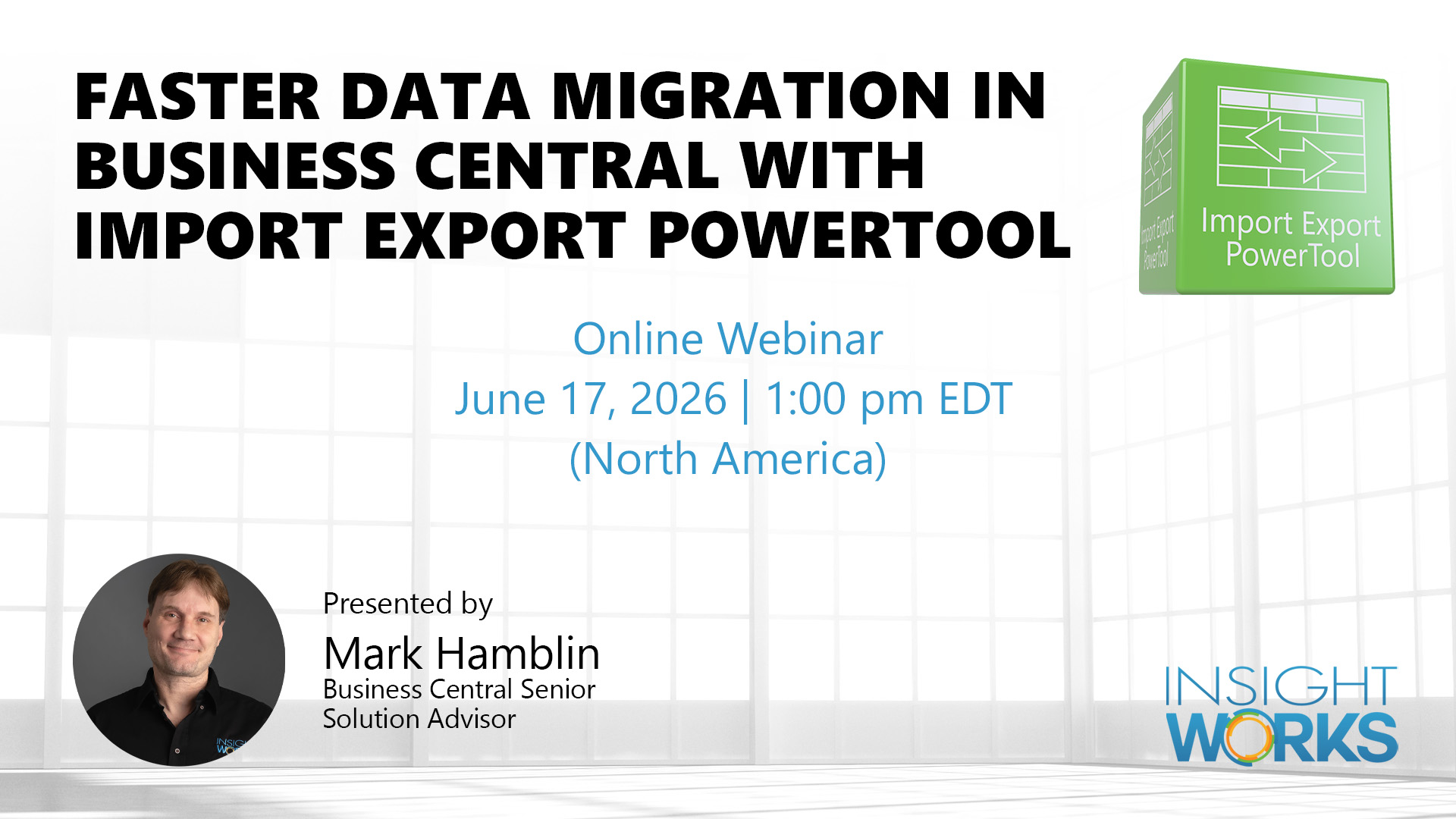
Webinar: Faster Data Migration in Business Central with Import Export PowerTool
Data migration is one of the most reliable ways to derail a Business Central go-live. RapidStart is slow on large datasets, cannot write to protected tables like item ledger entries or G/L entries, and has no way to suppress the change log during bulk operations, leaving teams with thousands of audit entries that describe nothing useful.
This webinar covers the Import Export PowerTool, a completely free app from Insight Works for Business Central, and walks through how it handles imports, exports, bulk updates, and direct table writes for common scenarios that RapidStart simply was not designed for.
Date and time: June 17, 2026 | 1:00 pm EDT (North America)
Register: https://dmsiworks.com/events/business-central-data-migration
What You’ll Learn:
- Identify why RapidStart fails on bulk updates, ledger imports, and iterative migrations
- Import and export data across any Business Central table, including protected tables
- Control change log behavior during bulk operations to avoid performance and audit noise
- Handle lot numbers, serial numbers, and dimensions in item journal imports automatically
- Perform scoped bulk updates and deletions with field-level validation and confirmation prompts
- Evaluate the tool’s fit for opening balance loads, sandbox-to-production copies, and post-go-live cleanup
Register to attend live and see the Import Export PowerTool applied to real migration scenarios in Business Central.
Can’t attend live? Register anyway, and we’ll send you the recording.