Outgrowing QuickBooks? 7 Signs It’s Time to Switch to an ERP
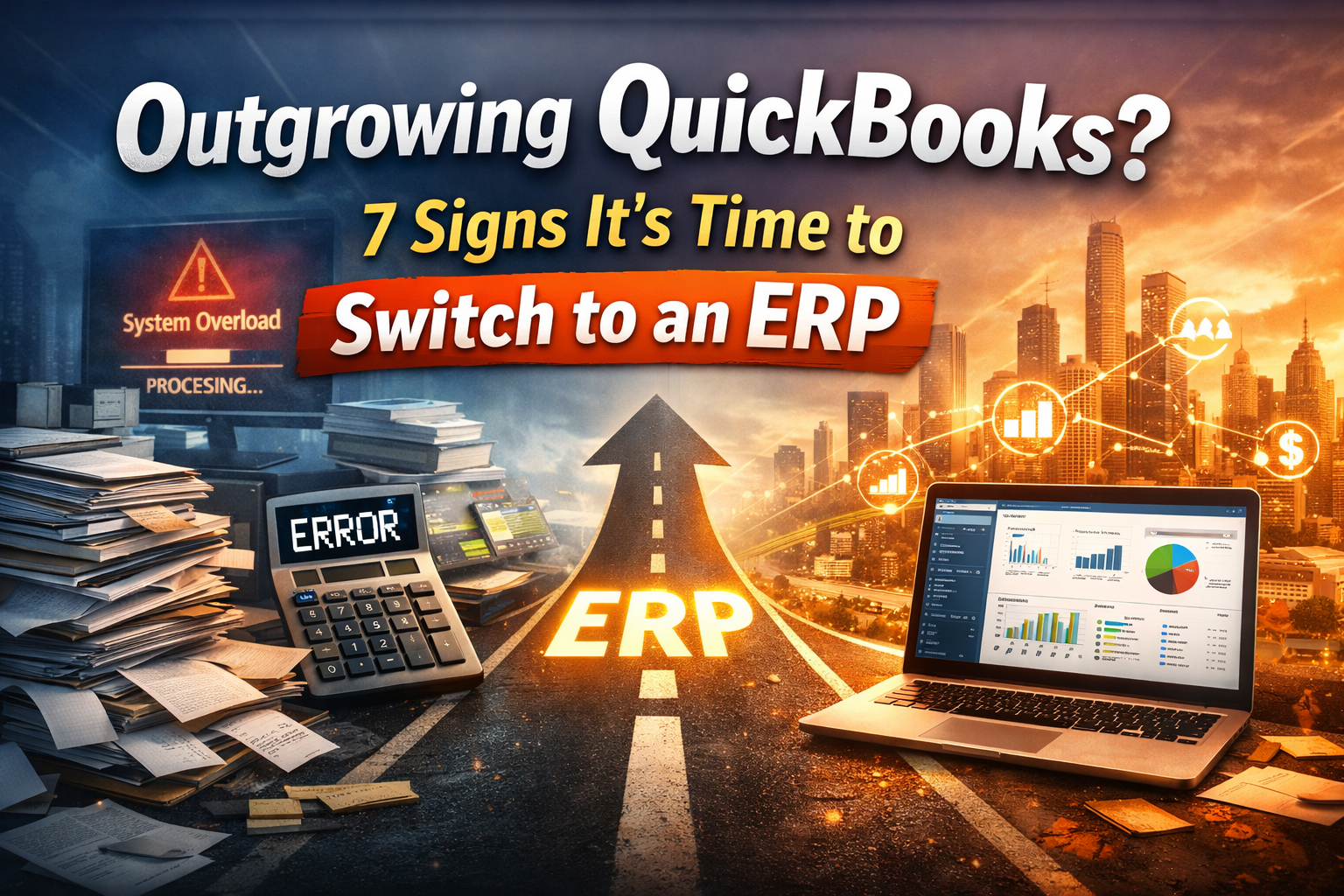
If your business is currently running on QuickBooks, chances are it has served you well in the early stages. It’s simple, affordable, and efficient for handling core accounting tasks like invoicing, expense tracking, and basic reporting.
However, as businesses grow, their operational needs evolve and this is where many companies begin to hit a wall.
What once felt like a reliable system starts creating friction. Teams struggle with disconnected tools, financial visibility becomes limited, and manual work increases. At this stage, many businesses begin actively searching for scalable solutions like Microsoft Dynamics 365 Business Central.
But how do you know when you’ve truly outgrown QuickBooks?
Let’s break it down in detail.
Why Growing Businesses Outgrow QuickBooks?
QuickBooks is designed with small businesses in mind. It works best when operations are straightforward, teams are small, and processes are not heavily interdependent.
As your business scales, several things change simultaneously:
- You start handling more transactions
- Your team expands across departments
- You need deeper insights into performance
- Operations become more complex
At this point, QuickBooks often struggles to keep up not because it’s a bad tool, but because it wasn’t built for this level of complexity.
This is when businesses begin searching for:
- “QuickBooks alternatives for growing companies”
- “ERP vs QuickBooks comparison”
- “when to switch from QuickBooks to ERP”
Still struggling with QuickBooks limitations as your business grows?
It’s time to upgrade to a system that scales with your operations and gives you full control.
Click Here To Book Your Free ERP Consultation Today
7 Detailed Signs You’ve Outgrown QuickBooks
1. You’re Using Multiple Systems to Manage Your Business
In the early days, it’s normal to rely on different tools for different functions. You might use QuickBooks for accounting, Excel for reporting, a CRM for sales, and maybe another system for inventory.
Initially, this setup works because the volume of data is manageable. But as your business grows, this fragmented system starts creating serious inefficiencies.
For example, your sales team might close a deal in the CRM, but that information doesn’t automatically reflect in your accounting system. Someone has to manually enter it into QuickBooks. Similarly, inventory updates might not sync in real time, leading to inaccurate stock levels.
Over time, this leads to:
- Duplicate data entry
- Increased chances of human error
- Conflicting reports across departments
- Lack of a single source of truth
This is one of the biggest operational bottlenecks growing businesses face.
An ERP system like Microsoft Dynamics 365 Business Central eliminates this issue by bringing all business functions, finance, sales, inventory, and operations into one unified platform. This ensures that data flows seamlessly across departments, improving accuracy and efficiency.
2. You Don’t Have Real-Time Financial Visibility
Financial visibility is critical for decision-making, especially as your business grows. While QuickBooks provides standard reports, they are often static and require manual effort to generate meaningful insights.
For instance, if you want to understand your current cash flow position or profitability by product line, you may need to export data into Excel and create custom reports. This process is time-consuming and often outdated by the time the report is ready.
As a result:
- Decisions are based on outdated information
- You lack confidence in your financial data
- Forecasting becomes difficult
In a competitive business environment, this lack of real-time insight can hold you back.
ERP systems provide dynamic dashboards, real-time analytics, and customizable reporting tools. With solutions like Business Central, decision-makers can access up-to-date financial data instantly, enabling faster and more informed decisions.
3. Inventory Management Is Becoming Increasingly Complex
Inventory management is another area where QuickBooks shows its limitations. While it offers basic inventory tracking, it lacks the advanced capabilities required by growing businesses.
As your operations expand, you may start dealing with:
- Multiple warehouses or locations
- High product volumes
- Complex supply chains
Without a robust system, managing inventory becomes challenging.
You might experience:
- Stock discrepancies
- Overstocking or understocking
- Delayed order fulfillment
- Poor demand planning
These issues directly impact customer satisfaction and profitability.
ERP systems address these challenges by offering advanced inventory management features such as real-time tracking, automated replenishment, and demand forecasting. This allows businesses to maintain optimal stock levels and improve operational efficiency.
4. Your Team Spends Too Much Time on Manual Work
Manual processes are manageable when your business is small, but they quickly become a burden as you scale.
If your team is spending hours on tasks like:
- Entering data into multiple systems
- Reconciling accounts
- Generating reports manually
…it’s a clear sign that your current system is limiting productivity.
Manual work not only consumes time but also increases the risk of errors. Even a small mistake in financial data can have significant consequences.
Automation is essential for scaling businesses.
ERP systems automate repetitive tasks, streamline workflows, and reduce the need for manual intervention. This allows your team to focus on more strategic activities rather than routine operations.
5. Your Business Growth Is Outpacing Your System
Growth is a good problem to have but only if your systems can support it.
As your business grows, you may notice:
- Increased transaction volumes
- More complex workflows
- Performance issues with your current system
QuickBooks is not designed to handle large-scale operations. As a result, it may slow down or become inefficient under heavy usage.
This creates friction in your operations and limits your ability to scale further.
ERP systems, on the other hand, are built to handle growth. They can support multiple entities, currencies, and locations, making them ideal for businesses planning to expand.
6. Your Teams Are Not Aligned
In many growing businesses, different departments operate in silos. Sales, finance, and operations use separate systems, leading to a lack of coordination.
For example, the sales team might promise a delivery date without real-time visibility into inventory. Finance might not have immediate access to sales data, causing delays in invoicing.
This misalignment results in:
- Poor communication
- Delayed processes
- Reduced customer satisfaction
ERP systems solve this problem by integrating all departments into a single platform. This ensures that everyone has access to the same data, improving collaboration and efficiency.
7. You’re Facing Errors, Risks, and Compliance Challenges
As your business grows, so do the risks associated with financial management and compliance.
Manual processes and disconnected systems increase the likelihood of:
- Data inconsistencies
- Financial errors
- Compliance issues
During audits, these problems can become even more evident, leading to delays and potential penalties.
ERP systems provide built-in controls, audit trails, and compliance features that help businesses maintain accuracy and meet regulatory requirements.
Why Businesses Are Choosing Microsoft Dynamics 365 Business Central?
When businesses outgrow QuickBooks, they need more than accounting, they need a complete, scalable system. That’s why many are moving to Microsoft Dynamics 365 Business Central.
Here’s why Business Central stands out:
- 50,000+ companies worldwide are already using Business Central, making it one of the most widely adopted ERP solutions for SMBs.
- Microsoft’s ERP ecosystem supports millions of users globally, ensuring long-term reliability and continuous innovation.
- According to industry studies, businesses see up to 265% ROI within 3 years after ERP implementation.
Business Central offers:
- An all-in-one platform (finance, sales, inventory, operations)
- Real-time reporting & analytics for faster decision-making
- Seamless integration with Microsoft tools like Excel, Outlook, and Teams
- Scalability to support growing businesses without switching systems again
In simple terms: Businesses choose Business Central because it replaces fragmented tools with a single, future-ready system.
Losing time managing multiple tools and spreadsheets?
Bring everything into one unified system with Microsoft Dynamics 365 Business Central.
Click Here To Access 30-Days Free Trial
How Dynamics Square USA Helps You Transition Seamlessly?
Choosing the right ERP is important, but choosing the right partner is critical.
Dynamics Square USA helps businesses move from QuickBooks to Business Central with a structured and proven approach.
Here’s what makes them a strong implementation partner:
- Years of experience in Microsoft Dynamics solutions with a team of certified experts
- Successfully delivered hundreds of ERP implementations and migrations across industries
- Active presence in the USA market with global delivery capabilities
What they offer:
- End-to-end ERP implementation
- QuickBooks to Business Central migration (with high data accuracy)
- Customization based on business needs
- Integration with existing systems
- Ongoing support after go-live
Real business impact:
Clients typically achieve:
- 30–50% reduction in manual work
- Improved financial visibility
- Faster reporting and better decision-making
Beyond implementation:
Dynamics Square also provides:
- ERP blogs, guides, and industry insights
- Case studies and best practices
- Free consultation and demo sessions
This means you don’t just get a vendor, you get a long-term ERP partner.
Frequently Asked Questions (FAQs)
1. When should a business switch from QuickBooks to an ERP?
A business should consider switching when it starts facing issues like limited reporting, manual processes, inventory challenges, or lack of real-time data visibility. These are clear signs that the current system is no longer scalable.
2. What are the biggest limitations of QuickBooks for growing businesses?
QuickBooks is primarily designed for small businesses, so it struggles with advanced needs like multi-entity management, complex inventory tracking, automation, and real-time analytics. As operations grow, these limitations become more noticeable.
3. Why is Microsoft Dynamics 365 Business Central a better alternative to QuickBooks?
Business Central offers a complete business management solution, including finance, sales, inventory, and operations in one system. It also provides real-time insights, automation, and scalability, which QuickBooks lacks.
4. Is it difficult to migrate from QuickBooks to Business Central?
Migration can be complex, especially when dealing with large amounts of financial data. However, with the right implementation partner, the process can be smooth, structured, and risk-free.
5. How long does it take to implement Business Central?
Implementation time depends on business size and complexity, but most projects typically take between 2 to 6 months, including setup, data migration, and training.
6. What is the cost of switching from QuickBooks to an ERP?
The cost varies based on factors like number of users, customization, and implementation scope. However, most businesses see a strong return on investment due to improved efficiency and reduced manual work.
7. Can Business Central handle inventory and supply chain management?
Yes, Business Central offers advanced inventory management features such as real-time tracking, warehouse management, and demand forecasting, making it ideal for growing businesses.
8. Is Business Central suitable for small businesses or only large enterprises?
Business Central is specifically designed for small to mid-sized businesses that are scaling. It provides enterprise-level capabilities without the complexity of traditional ERP systems.
9. What industries benefit the most from Business Central?
Industries like manufacturing, distribution, retail, and professional services benefit the most due to their need for integrated operations and real-time visibility.
10. How do I get started with Business Central implementation?
The best way to start is by consulting with an experienced partner like Dynamics Square, who can assess your needs, provide a roadmap, and guide you through the entire implementation process.