Keep Mailchimp and Dynamics CRM Data in Sync: Fix the Gaps Between Marketing and CRM
Key Takeaways
- Keep Mailchimp and Dynamics 365 CRM data aligned to avoid maintaining disconnected customer information.
- Connect CRM audiences with Mailchimp to make campaign targeting more relevant and easier to manage.
- Bring email engagement into Dynamics 365 so teams can view campaign activity alongside customer and lead information.
- Manage Mailchimp campaigns from Dynamics 365 without constantly switching between platforms.
- Keep opt-in and opt-out preferences synchronized across Mailchimp and Dynamics 365.
- A connected workflow helps marketing and sales teams work from more consistent customer and campaign information.
Marketing teams often know their audience well. Sales teams know their customers well. The problem starts when both teams are working with different versions of the same customer information.
A contact changes their subscription preference. A lead moves further through the sales process. A new group needs to be included in a campaign. Meanwhile, the Mailchimp audience may still reflect yesterday's data.
These small differences can create bigger problems when campaigns are planned, audiences are selected, and engagement needs to be understood. This is where a DynamicsCRM Mailchimp integration becomes useful as part of the everyday marketing workflow.
When Your Dynamics CRM and Email Audience Stop Matching
Suppose your marketing team has a group of leads in Dynamics 365 that they want to target with a new campaign. If the corresponding Mailchimp audience has to be maintained separately, someone needs to make sure the right contacts are included, removed, or updated.
That is where teams looking to integrate Mailchimp Dynamics CRM can benefit from keeping audience information connected.
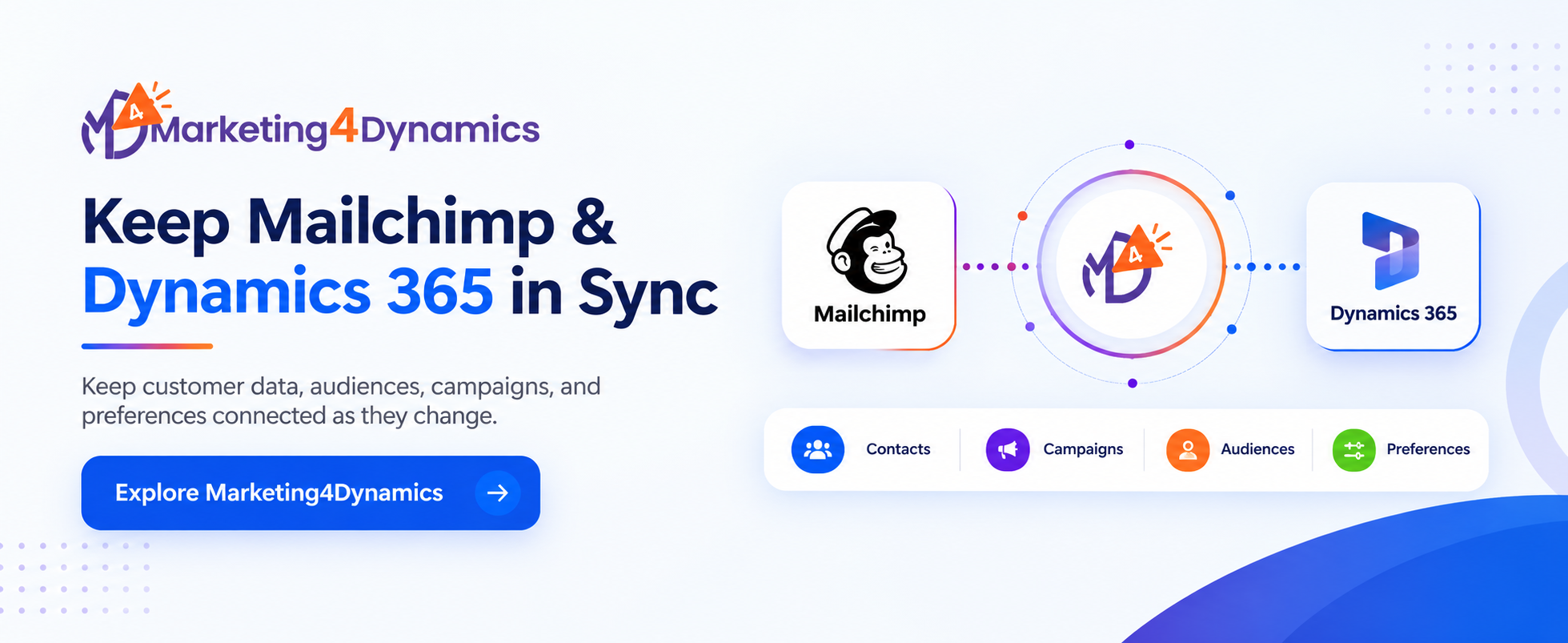
Marketing4Dynamics supports contacts, leads, subscribers, audiences, marketing lists, tags, segments, interests, and campaign details between Mailchimp and Dynamics 365. Instead of treating the mailing audience as an entirely separate database, teams can keep it connected to the CRM information they already manage.
The Real Problem With Duplicate Dynamics 365 Customer Data
Duplicate data is not always about having two identical records.
Sometimes the records are technically correct, but the information around them is different.
A contact may exist in both systems, but their subscription status may have changed in one. A lead may belong to a different marketing list in Dynamics 365, while the corresponding Mailchimp audience has not been updated.
With the ability to sync Dynamics 365 records with Mailchimp, teams can reduce the manual effort involved in keeping these environments aligned.
Marketing4Dynamics also allows teams to sync MailchimpDynamics CRM data, bringing relevant Mailchimp information back into Dynamics 365.
What Changes When Marketing Can Work From Dynamics CRM Context?
This is where the integration becomes more than a data-transfer exercise.
A marketing team preparing a campaign can start with information already organized in Dynamics 365. A salesperson reviewing a lead can have visibility into relevant email engagement. Both teams are working closer to the same customer context.
For organizations using Mailchimp email marketing Dynamics 365, that connection can make campaign planning and customer follow-up feel like parts of the same process rather than separate activities.
Campaign Work Does Not Have to Leave Dynamics 365
There is another practical consideration: where should campaign work happen?
Marketing4Dynamics allows teams to manage Mailchimp campaigns from Dynamics 365, including creating, designing, testing, sending, and scheduling campaigns.
For teams already spending significant time in CRM, this provides a more connected workflow without requiring them to abandon Mailchimp's email marketing capabilities.
This is one reason a campaign integration Dynamics 365 approach can be useful for organizations that want CRM and email marketing to work together without replacing either platform.
Keep Preferences From Becoming an Afterthought
One of the easiest details to overlook is subscription preference.
If someone opts out of communications, that information needs to remain consistent. Marketing4Dynamics supports opt-in and opt-out synchronization between Mailchimp and Dynamics 365, helping teams maintain connected preference information.
This matters because good marketing operations are not only about reaching the right audience. They are also about knowing when someone should no longer be included.
A Better Way to Think About Mailchimp and Dynamics 365
A MailchimpDynamics 365 integration is often discussed as a technical requirement: connect the systems, move the records, and finish the project.
For marketing and CRM teams, the more useful question is different:
Can the two systems stay aligned as customer relationships, audiences, campaigns, and preferences change?
Marketing4Dynamics is built to connect these everyday processes between Mailchimp and Dynamics 365, helping teams work with a more consistent flow of customer and marketing information.
Explore Marketing4Dynamics on Microsoft Marketplace or visit Inogic to learn more.
FAQs
What is a Dynamics CRM Mailchimp integration?
A Dynamics CRM Mailchimp integration connects CRM and Mailchimp data, including contacts, leads, audiences, campaigns, and engagement.
Can I sync Dynamics 365 records with Mailchimp?
Yes. Marketing4Dynamics lets you sync Dynamics 365 records with Mailchimp, including contacts and leads.
How does Mailchimp Dynamics 365 integration help email marketing?
A Mailchimp Dynamics 365 integration connects campaign activity with CRM data, including opens, clicks, bounces, and unsubscribes.
Can I manage Mailchimp campaigns from Dynamics 365?
Yes. Marketing4Dynamics supports Mailchimp email marketing Dynamics 365 workflows, including creating, testing, sending, and scheduling campaigns.
What does a Mailchimp Dynamics 365 integration connect?
A Mailchimp Dynamics 365 integration can connect customer data, audiences, campaigns, engagement activity, and subscription preferences.