Beyond Contact Sync: What a Better Mailchimp and Dynamics 365 CRM Integration Should Deliver
Connecting Mailchimp with Dynamics 365 CRM is often treated as a data synchronization task. But for businesses running email campaigns, the real challenge starts after the connection is established.
Contacts need to reach the right audiences. Campaigns need to be created and managed efficiently. Engagement needs to be visible against CRM records. Subscription changes need to be reflected across systems. A Mailchimp Dynamics 365 integration should therefore support more than simply moving records between two platforms.
Key Takeaways
- A useful integration should go beyond contact synchronization.
- Audience selection and campaign management are important parts of the workflow.
- Engagement data can provide additional context within the CRM.
- Subscription and consent information should remain aligned.
- The right connector should support activities before, during, and after an email campaign.
Where Basic Data Synchronization Falls Short
Consider a business with thousands of contacts in Dynamics 365 CRM. Its marketing team may need to select a specific audience, send a campaign through Mailchimp, monitor responses, and use those results for future customer interactions.
When businesses sync Dynamics 365 records with Mailchimp, the objective is usually to keep customer information available in both systems. But simply moving records does not create a complete marketing workflow.
Users may still need to switch between applications to:
- Build or update audiences
- Manage lists and tags
- Create and schedule campaigns
- Review campaign engagement
- Check subscription preferences
- Connect campaign activity with CRM records
These are workflow questions, not simply data-movement questions.
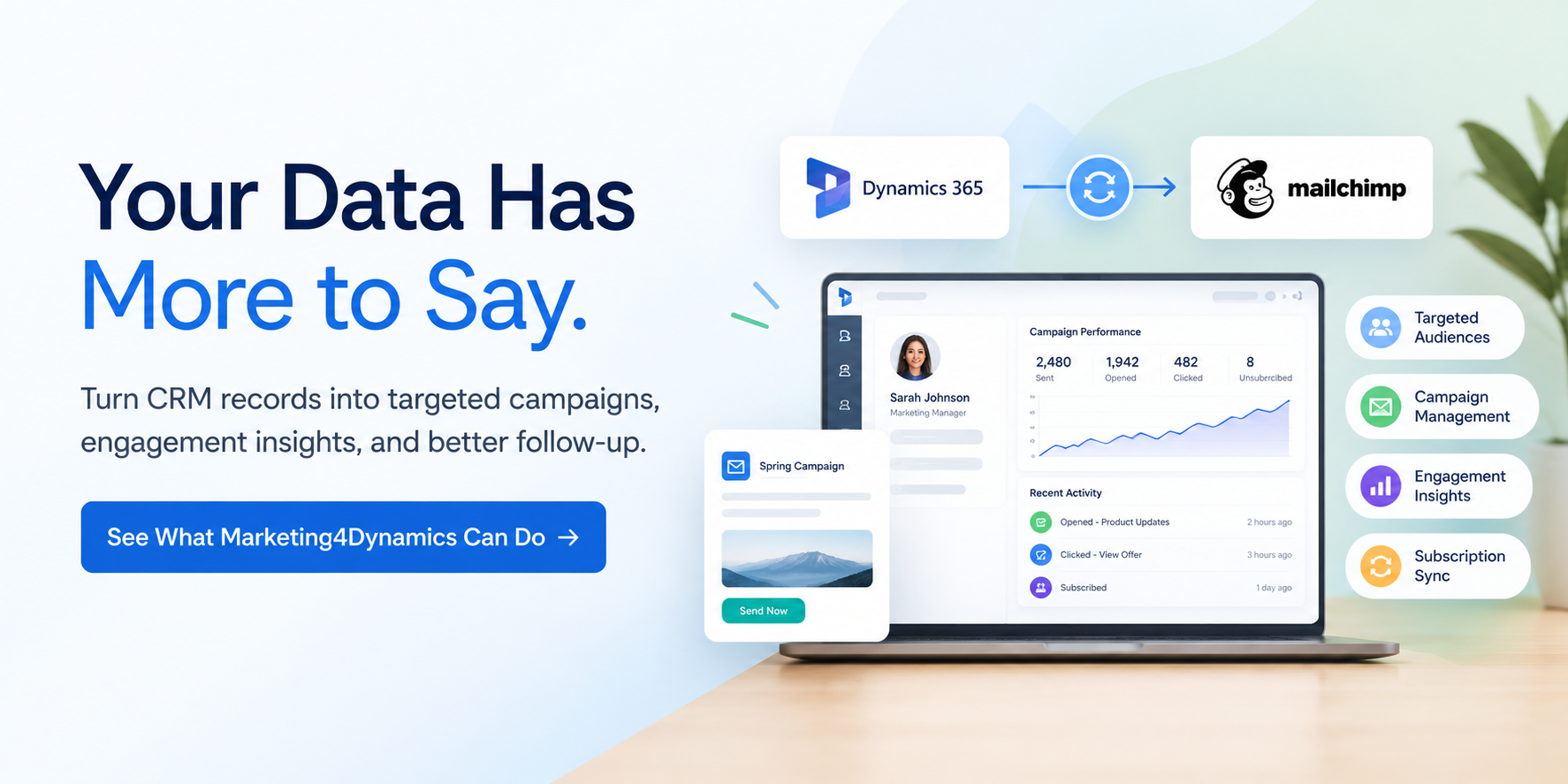
What Should a CRM Mailchimp Connector Handle?
A strong Dynamics CRM Mailchimp connector should connect the stages before, during, and after a campaign.
1. Audience Management
The value of CRM data comes from using it to build relevant audiences. Marketing teams should be able to work with Mailchimp audiences, lists, and tags while using information already maintained in Dynamics 365.
This reduces the need to maintain separate audience structures manually and makes it easier to use CRM data for targeted email communication.
2. Campaign Execution
The next step is turning an audience into an actual campaign. With Mailchimp email marketing in Dynamics 365, users can create, design, schedule, and send campaigns through a connected CRM workflow.
This is particularly useful when campaign execution depends on customer or prospect information already maintained in Dynamics 365.
For organizations evaluating a Dynamics 365 Mailchimp integration, campaign execution should therefore be considered alongside synchronization capabilities.
3. Engagement Visibility
Sending an email is only one part of the process. Opens, clicks, bounces, and unsubscribes provide useful signals about how recipients interact with campaigns.
Bringing this activity into Dynamics 365 gives CRM users more context around customer engagement. For example, a sales or account team can see whether a contact has interacted with a campaign rather than relying on a separate system for that information.
This makes email activity more useful as part of the broader customer record.
4. Subscription Management
Email preferences also need to remain consistent. If someone unsubscribes in Mailchimp while Dynamics 365 continues to show outdated information, teams can end up working with conflicting data.
A Mailchimp Microsoft Dynamics 365 integration should therefore account for subscription and opt-in/opt-out information, helping businesses maintain more consistent customer records.
Where Marketing4Dynamics Fits
Marketing4Dynamics is designed around this broader workflow rather than treating integration as simple data movement.
It connects Dynamics 365 CRM with Mailchimp for contact and lead synchronization, audience and tag management, campaign execution, engagement tracking, subscription management, and reporting.
For businesses evaluating Mailchimp Dynamics 365 CRM, the important question is therefore not simply:
“Can these systems connect?”
The better question is:
“What can our teams actually manage, execute, and measure once they are connected?”
That distinction can determine whether an integration becomes another technical connection or a practical part of the business's email marketing workflow.
Choosing the Right Approach
Not every organization needs the same level of functionality. Some businesses may only need to sync Mailchimp Dynamics CRM data, while others need campaign management, audience controls, engagement visibility, and subscription management.
Before choosing a solution, consider:
- What records need to be synchronized?
- Is two-way synchronization required?
- Can users manage audiences and tags?
- Can campaigns be created and managed from Dynamics 365?
- Can engagement be viewed alongside CRM information?
- Are subscription changes synchronized?
- Are reporting and administration capabilities available?
This creates a more practical evaluation framework than choosing a solution simply because it can connect two platforms.
Take Your Mailchimp + Dynamics 365 Workflow Further with Marketing4Dynamics
If your team is spending time moving data between Dynamics 365 and Mailchimp, switching between platforms to manage campaigns, or looking for better visibility into email engagement, Marketing4Dynamics can bring these activities into a connected CRM workflow.
With Marketing4Dynamics, you can synchronize contacts and leads, manage Mailchimp audiences, create and manage campaigns, track engagement, and manage subscription information from within Dynamics 365.
Ready to see how it works?
Start your 15-day free trial and see how Marketing4Dynamics can simplify your Mailchimp and Dynamics 365 workflow. Get Marketing4Dynamics on Microsoft Marketplace
FAQs
Can I integrate Mailchimp with Dynamics 365?
Yes. Businesses can connect the two platforms using dedicated integration solutions or automation platforms, depending on their requirements.
Can I sync Dynamics 365 records with Mailchimp?
Yes. A suitable connector can synchronize relevant contacts and leads between the platforms.
Can Mailchimp engagement data be viewed in Dynamics 365?
Yes. Depending on the integration, campaign activity such as opens, clicks, bounces, and unsubscribes can be brought into the CRM.
What should I look for in a CRM Mailchimp connector?
Look beyond synchronization. Consider audience management, campaign execution, engagement tracking, subscription handling, reporting, security, and administration.